Step 01
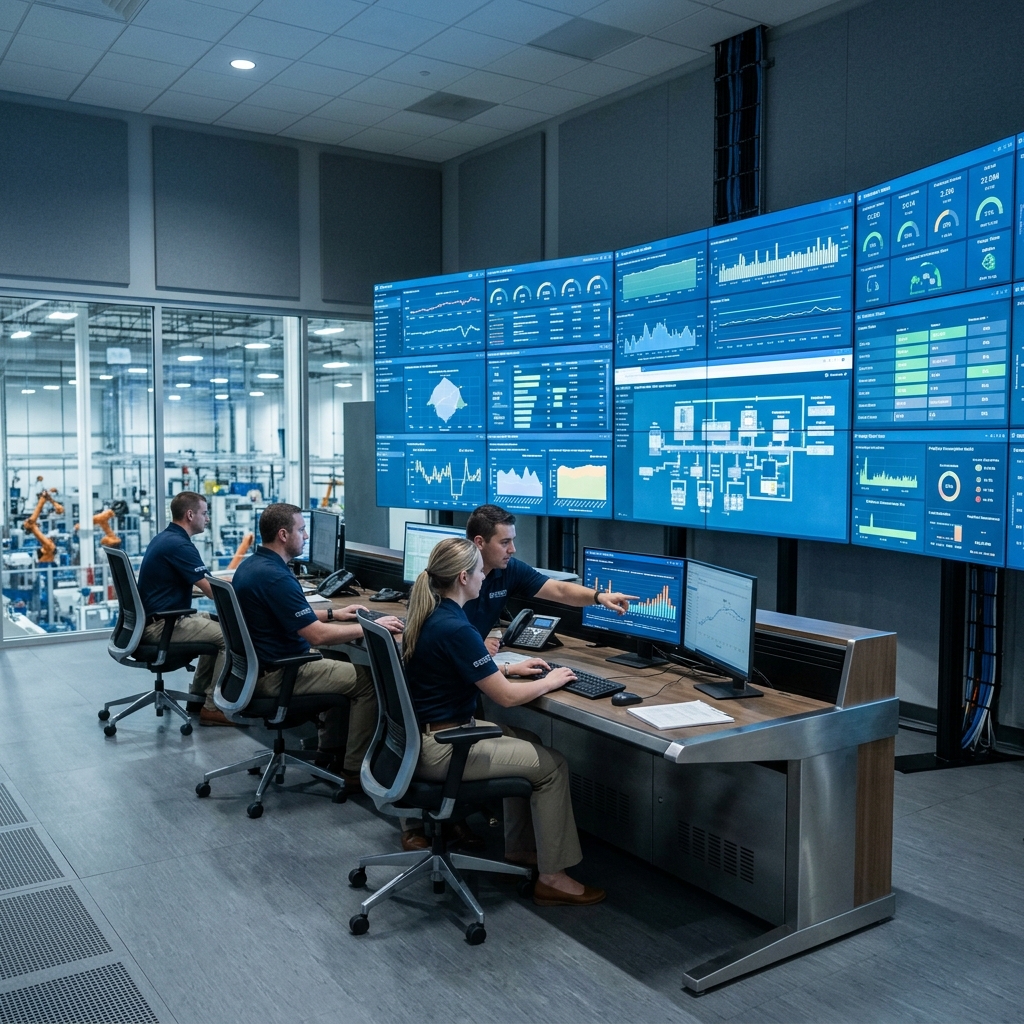
Engineering Inputs
Drawings & Tender Specs
Ingest legacy 2D CAD drawings, customer tender PDFs, sketches, and technical standards.
2D DWG/DXF • PDFs • Design Codes
Step 02
AI Cognition
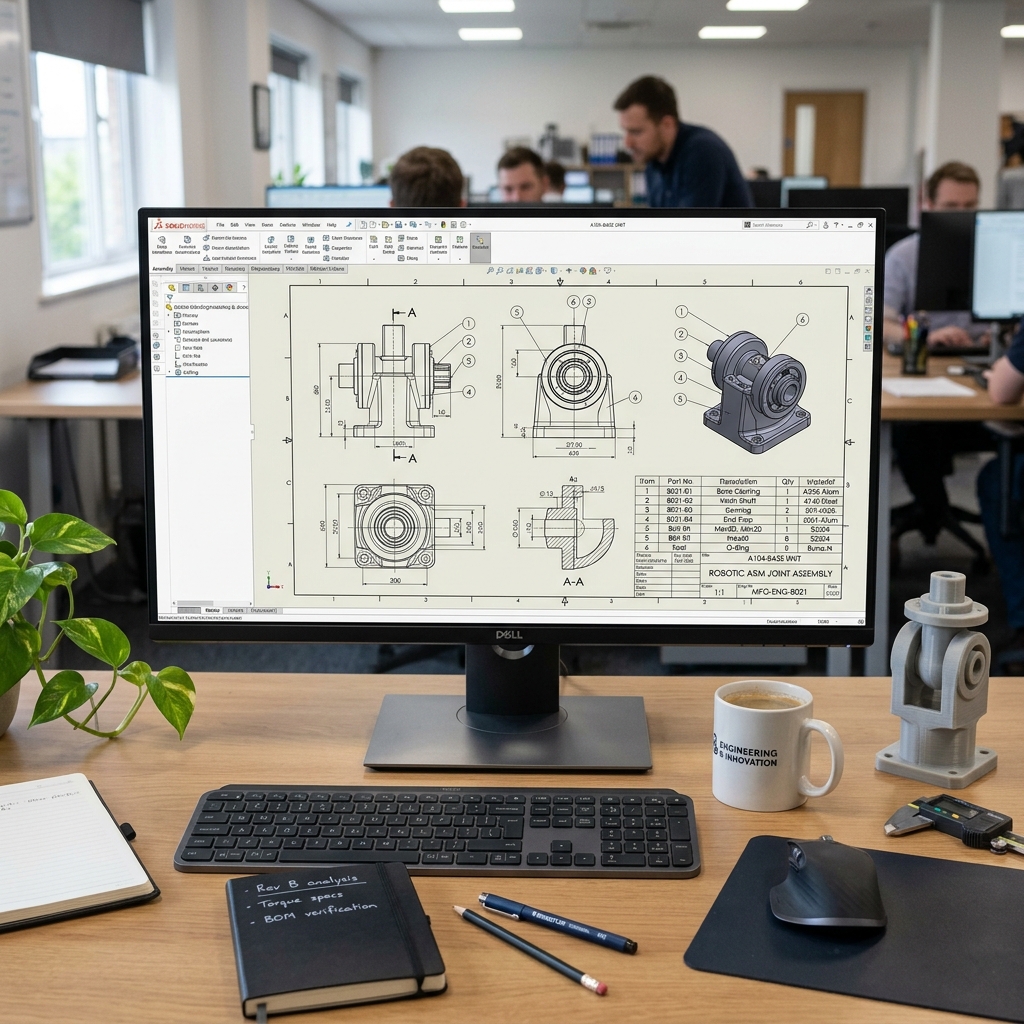
Drawing & Document AI
Extract views, dimensions, GD&T tolerances, title-block metadata, and structured BOM tables.
Spatial OCR • Geometry & GD&T Parse
Step 03 • Core
ZetaForge™ Engine
Domain Rules & Solvers
Execute your proprietary design formulas, thermal/lining calculations, and ASME/API code checks.
Domain SLMs • Deterministic Physics
Step 04
CAD Synthesis
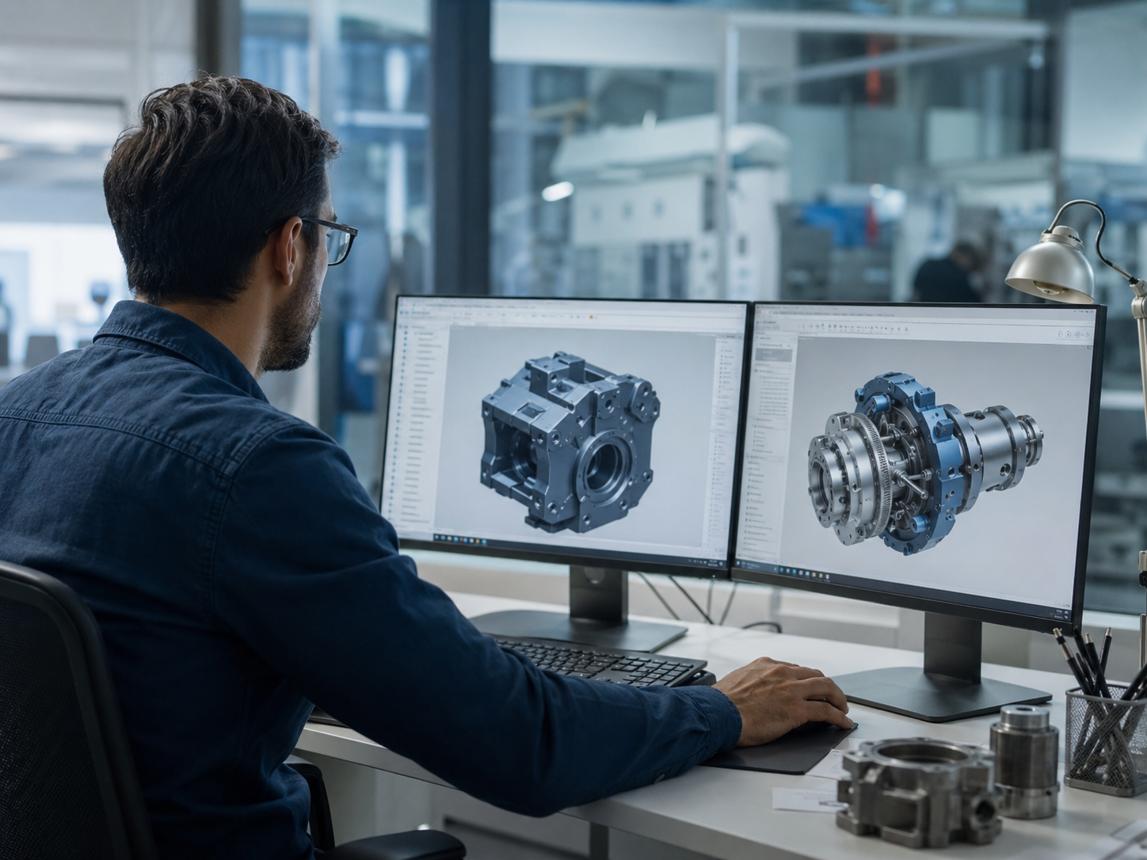
3D CAD & 2D Auto-Drafting
Generate constrained 3D CAD assemblies, brick/vessel linings, and multi-sheet 2D shop drawings.
3D Assemblies • 2D Fabrication Prints
Step 05
Production Release
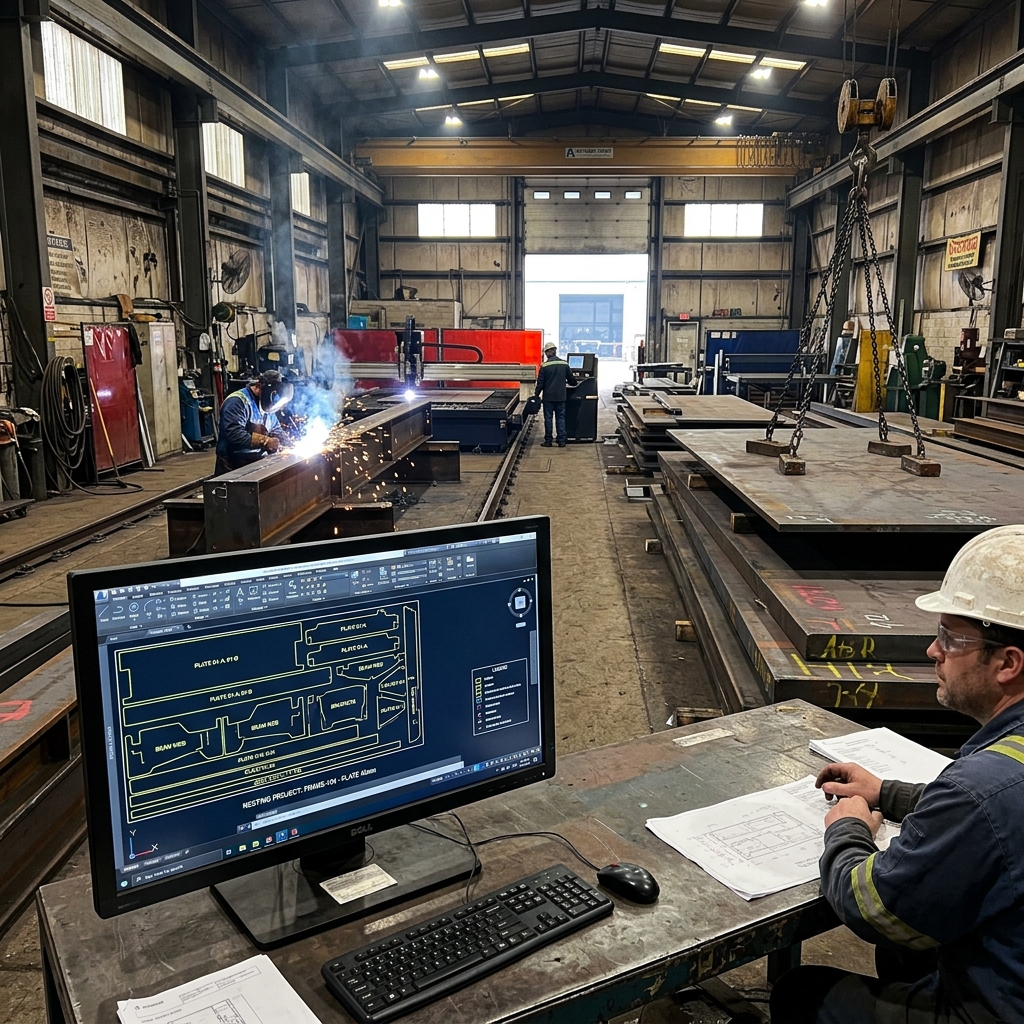
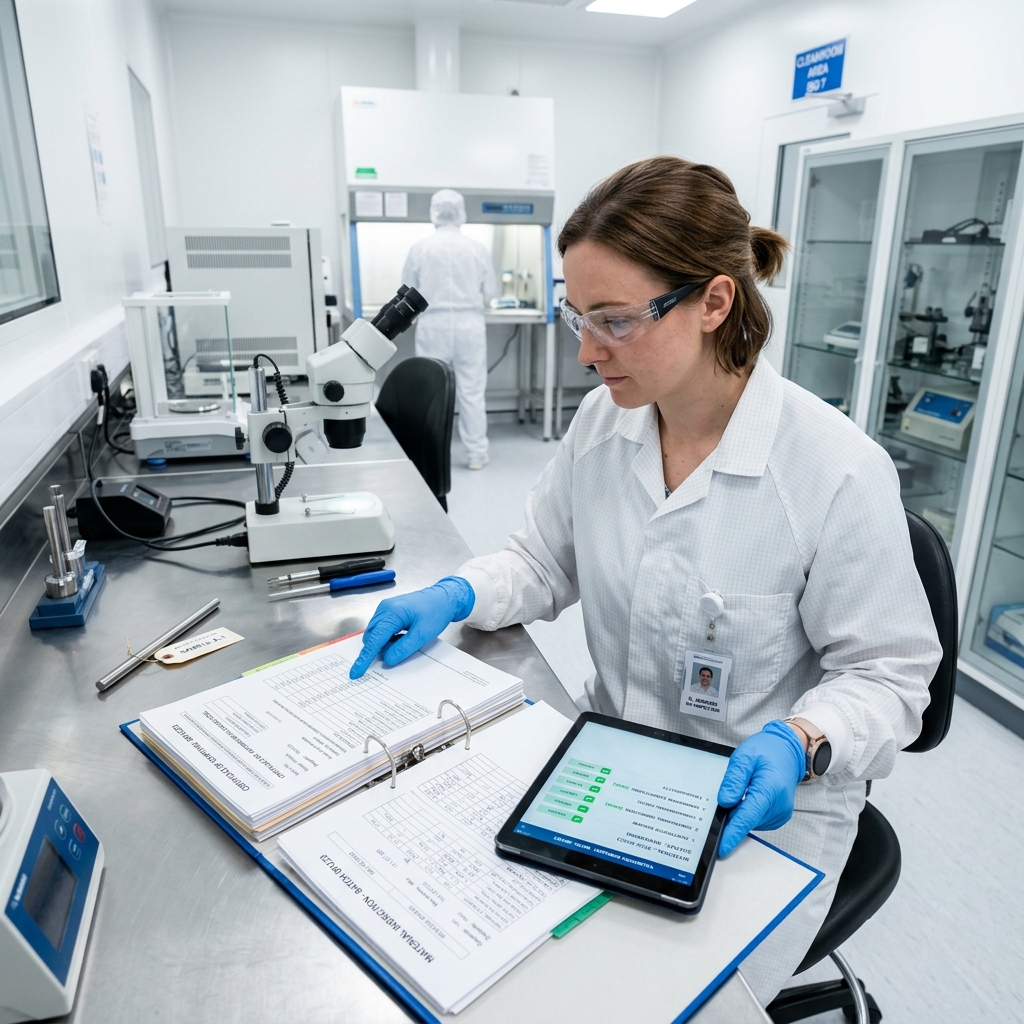
Validated BOM & ERP Sync
Release verified E-BOMs, cost estimates, and nesting layouts to PLM/ERP after engineer sign-off.
SAP / ERP Sync • Engineer Sign-Off
Refractories & Metallurgical Systems
3D converter, ladle & kiln brick linings, taper calculations, thermal profiles, and zonal BOMs for large refractory & steel enterprises.
Process Equipment & Pressure Vessels
Pressure vessels, heat exchangers, reactors, and storage tanks with automated ASME/API sizing and GA fabrication drawings.
Industrial Machinery & Capital OEMs
Custom equipment skids, mechanical sub-assemblies, multi-sheet part drawings, and automated ERP item-master matching.
Heavy Fabrication & Infrastructure EPCs
Structural steel assemblies, plate remnant nesting, rapid tender RFQ estimation, and multi-discipline drawing verification.